
Billing & Invoices
Manage your payment methods, view billing history, and access invoices.
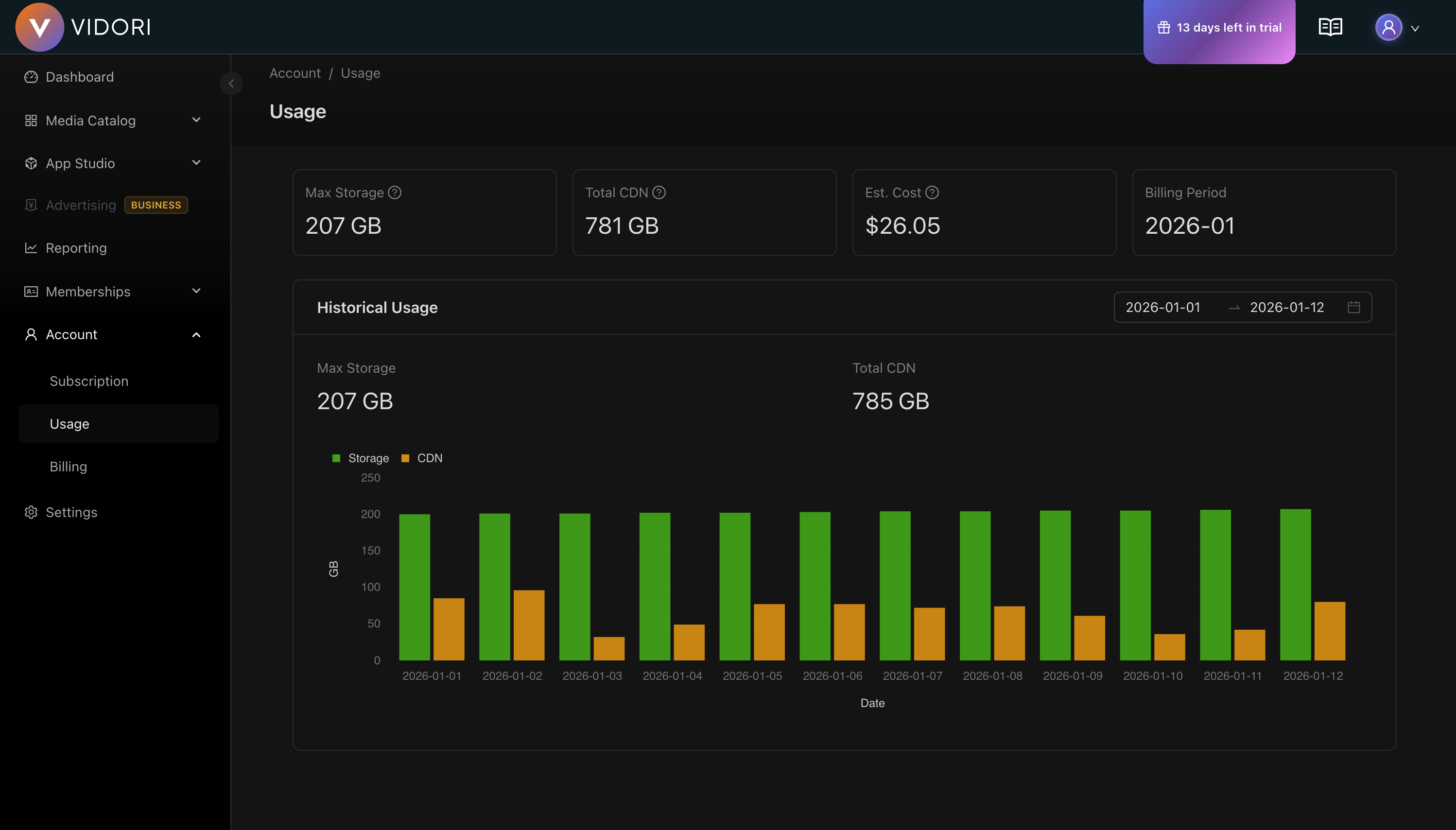
Payment Methods
Section titled “Payment Methods”Adding a Payment Method
Section titled “Adding a Payment Method”-
Go to Account → Billing
-
Click Add Payment Method
-
Choose method type:
- Credit/Debit card
- Bank account (ACH)
-
Enter payment details
-
Click Save
Billing History
Section titled “Billing History”Go to Account → Billing → History to see:
| Column | Description |
|---|---|
| Date | Transaction date |
| Description | Charge description |
| Amount | Amount charged |
| Status | Paid, pending, or failed |
| Invoice | Download link |
Invoices
Section titled “Invoices”Downloading Invoices
Section titled “Downloading Invoices”-
Go to Account → Billing → History
-
Find the transaction
-
Click Download Invoice
-
PDF downloads to your device
Failed Payments
Section titled “Failed Payments”What Happens
Section titled “What Happens”When a payment fails:
- Day 1 - First retry, email notification
- Day 3 - Second retry, reminder email
- Day 7 - Third retry, warning email
- Day 14 - Final retry, service warning
- Day 21 - Account suspended (content preserved)
Resolving Failed Payments
Section titled “Resolving Failed Payments”-
Check email for failure reason
-
Go to Account → Billing
-
Update payment method if needed
-
Click Retry Payment
-
Confirm successful charge
| Reason | Solution |
|---|---|
| Insufficient funds | Ensure funds available |
| Card expired | Update card details |
| Card declined | Contact your bank |