
Apple iOS
Publish to the App Store and TestFlight. iOS guide →
Store Distribution lets you build and publish native iOS, Android, Roku, Fire TV, and Web apps directly from the admin panel. Configure your signing credentials, upload the required files, and trigger builds with one click.
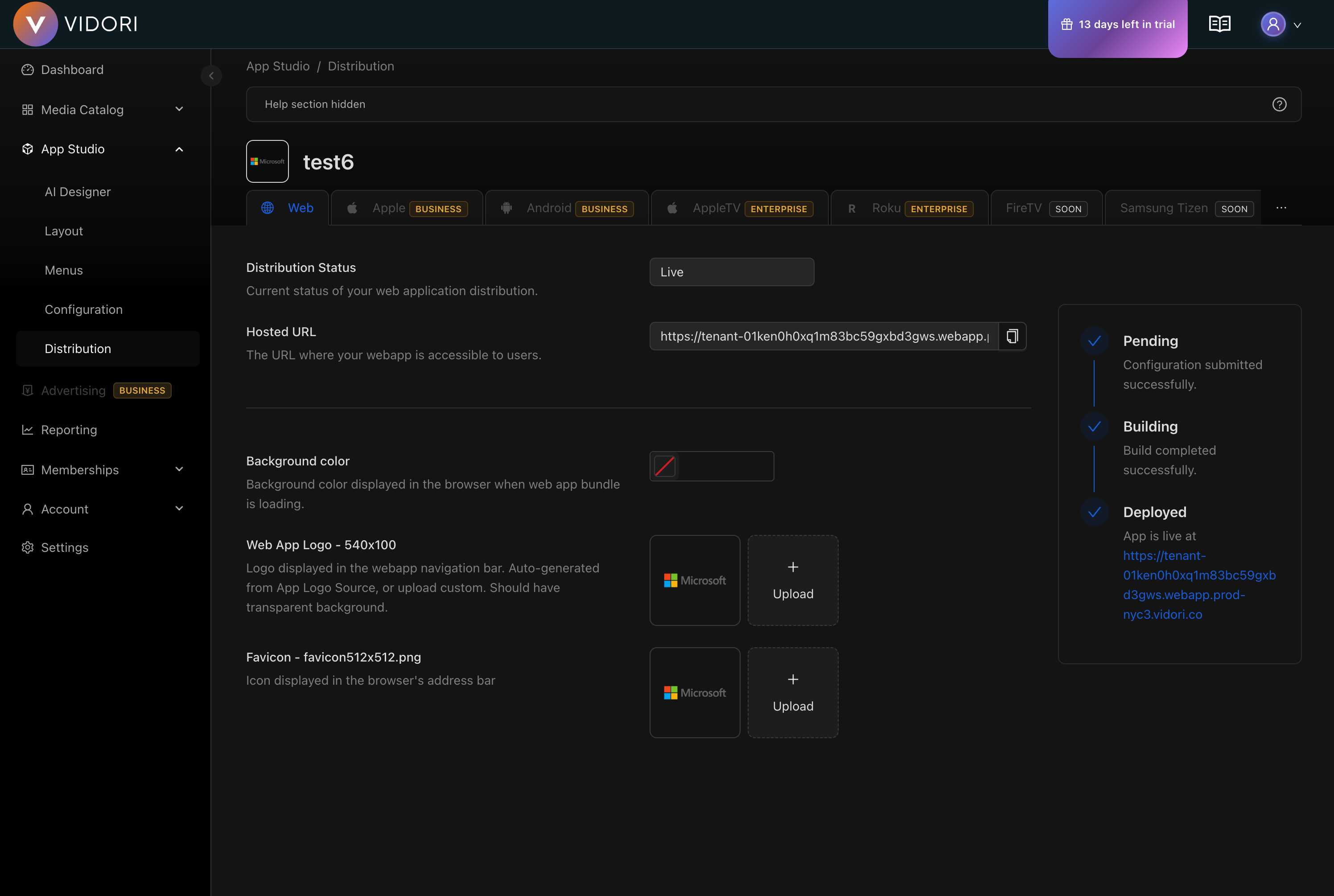
Each platform has its own setup, signing, and submission flow. Pick the one you’re publishing:
Apple iOS
Publish to the App Store and TestFlight. iOS guide →
Android
Publish to Google Play via the Play Console API. Android guide →
Roku
Sideload, package, and submit to the Roku Channel Store. Roku guide →
Fire TV
Build an Amazon Appstore bundle from your Android app. Fire TV guide →
Web
Deploy your web app to a Vidori-hosted URL or your own domain. Web guide →
Before distributing your app on any platform, complete these steps in App Configuration:
| Requirement | Where to Set |
|---|---|
| App Name | App Configuration |
| App Icon | App Configuration → Branding Assets |
| App Logo | App Configuration → Branding Assets |
| Privacy Policy URL | App Configuration → URLs |
| Website URL | App Configuration → URLs |
Once all configuration and signing assets are in place for the platform you want to ship:
Go to App Studio → Distribution
Select the platform (iOS, Android, Roku, or Web)
Optionally set a version number (defaults to the current version)
Click Build
The build is submitted to the CI/CD pipeline. Approximate build times:
| Platform | Typical Build Time |
|---|---|
| iOS | 60–90 minutes |
| Android | 15–30 minutes |
| Roku | under 1 minute |
| Web | 5–10 minutes |
After triggering a build, the Distribution page shows the current status:
| Status | Meaning |
|---|---|
| Building | The build is in progress |
| Success | The build completed and (where applicable) was uploaded to the app store |
| Failed | The build failed — check the error message for details |
The status updates automatically as the build progresses.
Check that all required configuration is set in App Configuration. The Distribution page shows validation errors for missing fields. Each platform page also lists platform-specific error messages and how to resolve them.