Quick Start Guide
This guide will walk you through setting up your first streaming channel on Vidori. By the end, you’ll have content uploaded and your app ready for viewers.
Prerequisites
Section titled “Prerequisites”Before you begin, make sure you have:
- A Vidori account (sign up at app.vidori.co/signup)
- At least one video file ready to upload (MP4, MOV, or MKV format)
- Your brand logo and colors
Setup Steps
Section titled “Setup Steps”-
Log in to your Vidori Dashboard
Navigate to app.vidori.co/login and sign in with your credentials.
-
Import Your First Video
Go to Catalog → On-Demand and click Import. You can:
- Upload directly from your computer
- Import from YouTube, Vimeo, or S3
- Bulk import multiple videos at once
-
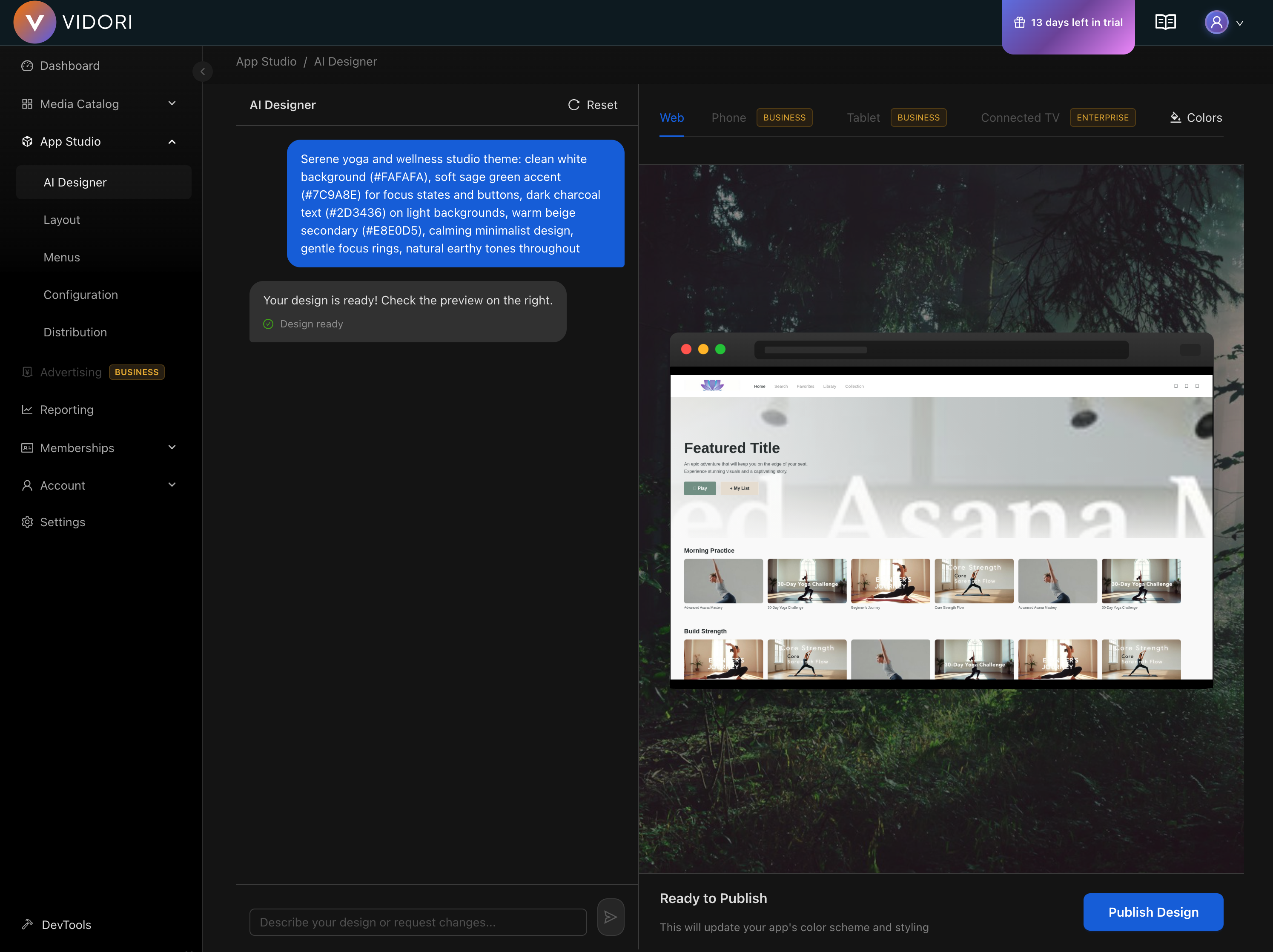
Configure Your App Design
Navigate to App Studio → Designer and customize:
- Upload your logo
- Set your brand colors
- Choose a layout template
-
Set Up Monetization (Optional)
If you want to monetize your content, go to Monetization to:
- Enable ad-supported viewing (AVOD)
- Create subscription tiers (SVOD)
- Set up pay-per-view (TVOD)
-
Preview and Publish
Use the preview feature to see how your app looks on different devices, then publish when ready.
Next Steps
Section titled “Next Steps”Now that your platform is set up, explore these guides to make the most of Vidori:
- Organize content with Groups - Create collections and categories
- Configure live channels - Set up 24/7 linear streams
- Set up memberships - Create subscriber tiers
- Understand your analytics - Track viewer engagement