
AI Designer
The AI Designer analyzes your brand and content to generate a complete app design in minutes. It’s the fastest way to get a professional-looking streaming app.
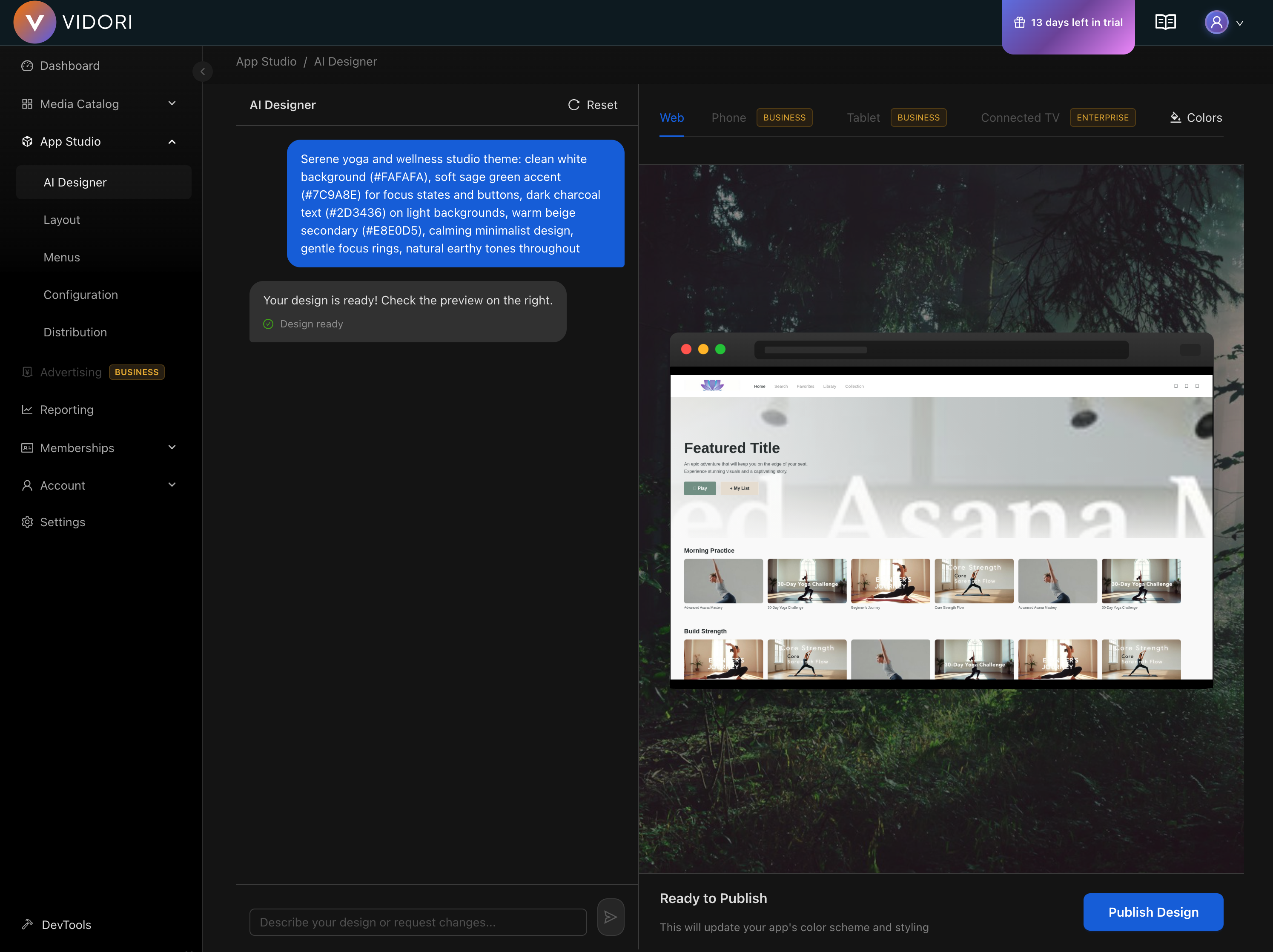
How It Works
Section titled “How It Works”The AI Designer uses your brand assets and content library to:
- Analyze your brand - Colors, logo style, industry
- Review your content - Categories, volume, types
- Generate a design - Layout, typography, components
- Create variations - Multiple options to choose from
Using AI Designer
Section titled “Using AI Designer”-
Go to App Studio → Designer
-
Click Start AI Design
-
Upload or confirm your brand assets:
- Logo (required)
- Brand colors (optional — AI can extract from logo)
- Brand guidelines PDF (optional)
-
Answer a few questions:
- What type of content do you have?
- Who is your target audience?
- What’s your brand personality?
-
Click Generate Designs
-
Review the generated options (usually 3-4 variations)
-
Select your favorite or mix elements
-
Click Apply Design
Design Elements Generated
Section titled “Design Elements Generated”The AI Designer creates:
Visual Style
Section titled “Visual Style”- Color palette (primary, secondary, background, text)
- Typography scale (headings, body, captions)
- Border radius and shadows
- Spacing system
Layout Components
Section titled “Layout Components”- Hero section style
- Content row layouts
- Card designs
- Navigation style
- Footer layout
Customizing AI Output
Section titled “Customizing AI Output”After generation, you can:
Mix and Match
Section titled “Mix and Match”- Click Customize
- Select elements from different variations
- Combine to create your perfect design
Fine-Tune
Section titled “Fine-Tune”Adjust any generated element:
- Tweak colors with the color picker
- Adjust font sizes
- Modify spacing
- Change component styles